> For the complete documentation index, see [llms.txt](https://docs.me.bot/llms.txt). Markdown versions of documentation pages are available by appending `.md` to page URLs; this page is available as [Markdown](https://docs.me.bot/zh/using-me.bot/data-and-integrations/import-from-markdown.md).
# Import from Markdown
You can easily batch import .md files into Me.bot, streamlining the process of organizing your notes.
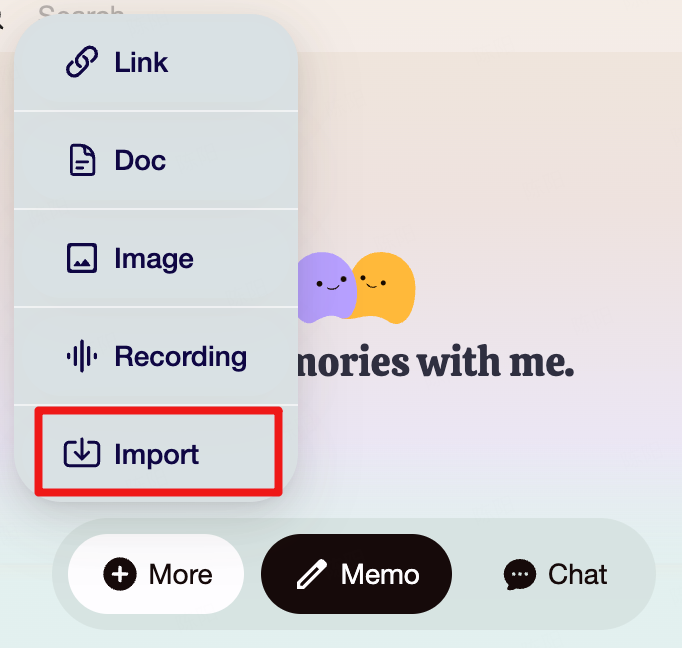
1. Go to **More > Import** on the Web, then select **Markdown** to proceed.
2. **Select Markdown files to import:** Select or drop the files into Me.bot.
{% hint style="info" %}
Free users can import files up to 10 MB, while Pro users can import up to 50 MB.
{% endhint %}
3. **Wait for the Import to Finish**
* The import process may take a few minutes. You can leave the screen or check back anytime.
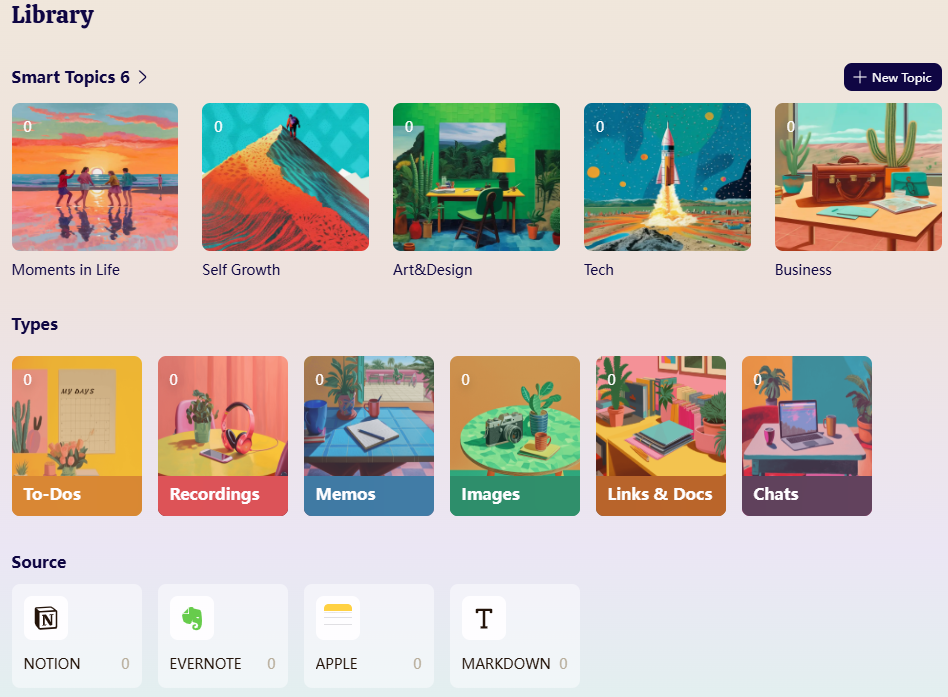
* Once completed, you’ll find the imported content in your **Library.**