# 从Flomo导入数据

1. 在Web端打开导入功能（**更多 > 导入）**，然后选择 **Flomo导入**.

<figure><img src="/files/Op7IAbgphhwgkNTtC1Hm" alt="" width="375"><figcaption></figcaption></figure>

3. **参考Flomo的**[**导出指南**](https://help.flomoapp.com/basic/storage.html#%E5%85%A8%E5%B1%80%E5%AF%BC%E5%87%BA)**，下载导出的文件（文件格式为Zip压缩包）。将Zip文件上传到Second Me.**
4. **等待导入完成**

* 整个导入流程会根据文件数量持续一段时间，这个过程会在后台完成，你无需保持应用开启.
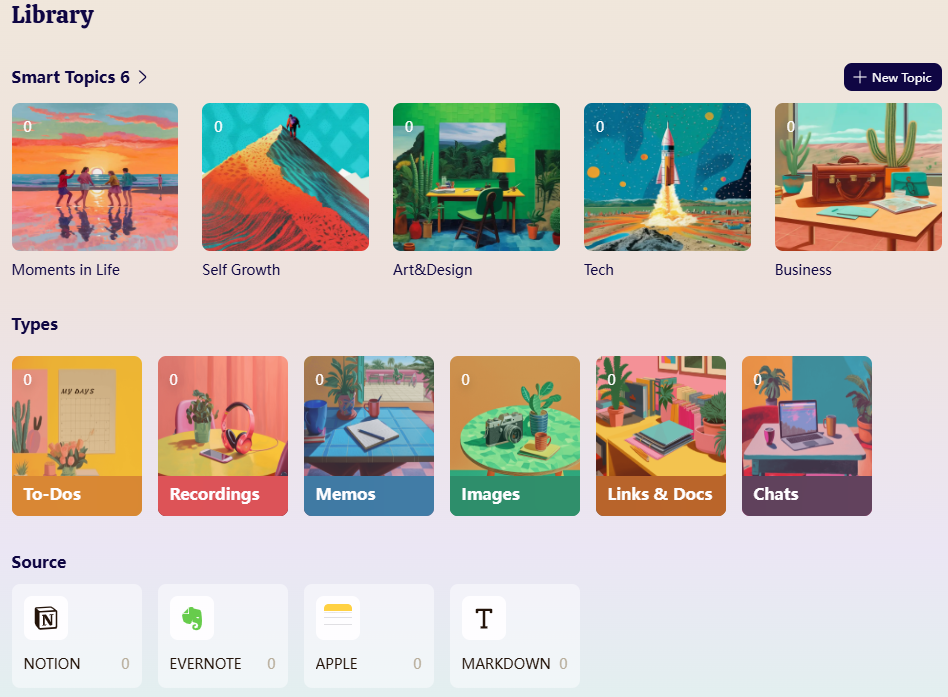
* 一旦完成，你可以在主页看到导入的笔记，也可以在“搜索”界面看到不同来源的导入文&#x4EF6;**.**

<figure><img src="/files/6UaiPgyoNkBJqgnn529Z" alt="" width="375"><figcaption></figcaption></figure>


---

# Agent Instructions: Querying This Documentation

If you need additional information that is not directly available in this page, you can query the documentation dynamically by asking a question.

Perform an HTTP GET request on the current page URL with the `ask` query parameter:

```
GET https://docs.me.bot/zh/using-me.bot/data-and-integrations/cong-flomo-dao-ru-shu-ju.md?ask=<question>
```

The question should be specific, self-contained, and written in natural language.
The response will contain a direct answer to the question and relevant excerpts and sources from the documentation.

Use this mechanism when the answer is not explicitly present in the current page, you need clarification or additional context, or you want to retrieve related documentation sections.