> For the complete documentation index, see [llms.txt](https://docs.me.bot/llms.txt). Markdown versions of documentation pages are available by appending `.md` to page URLs; this page is available as [Markdown](https://docs.me.bot/jp/using-me.bot/features/widgets.md).
# Widgets
You can keep track of your to-dos and easily add memories with our customized widgets!
## Add widgets on iPhone
### Add widgets to your Home Screen
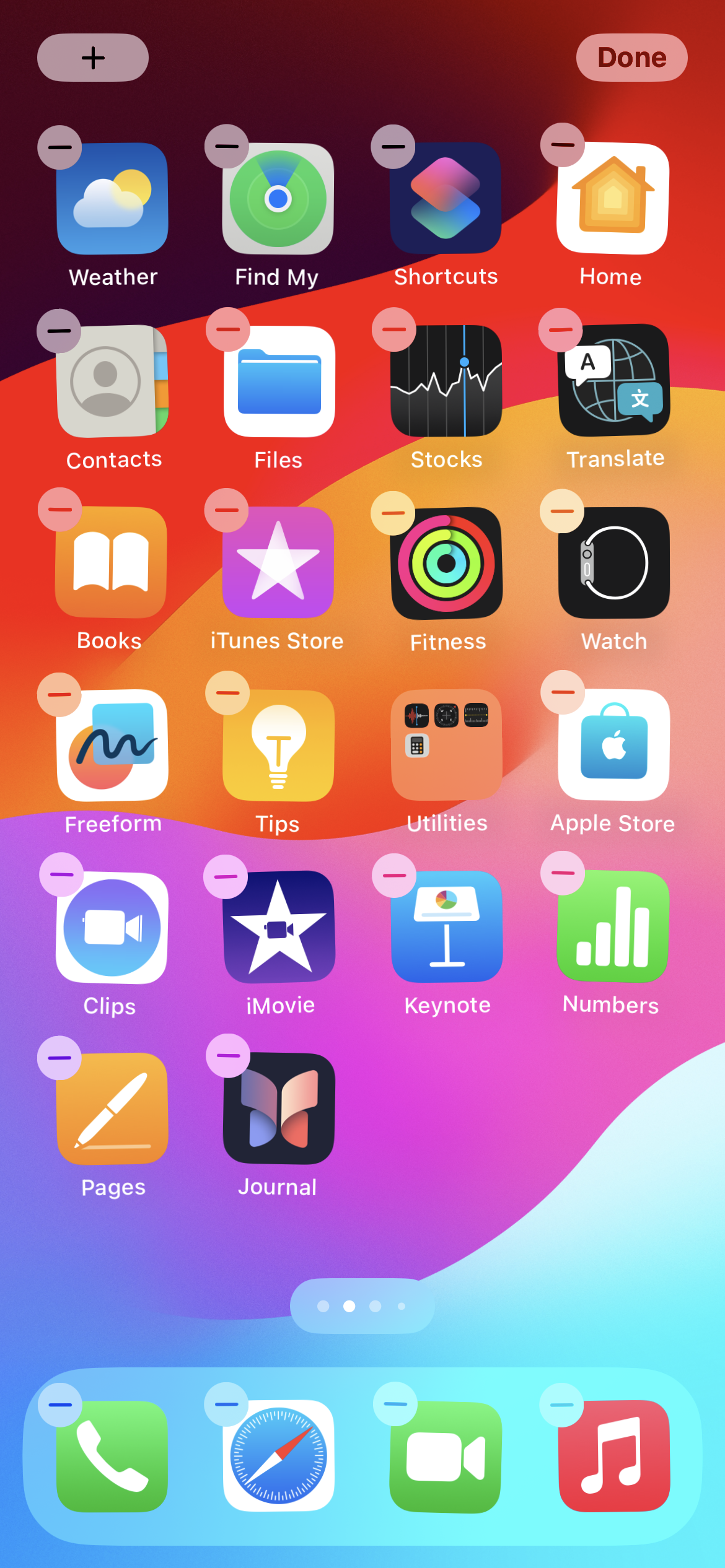
1. Long press anywhere on your home screen until the apps jiggle.
2. Tap the Add button in the upper-left corner.
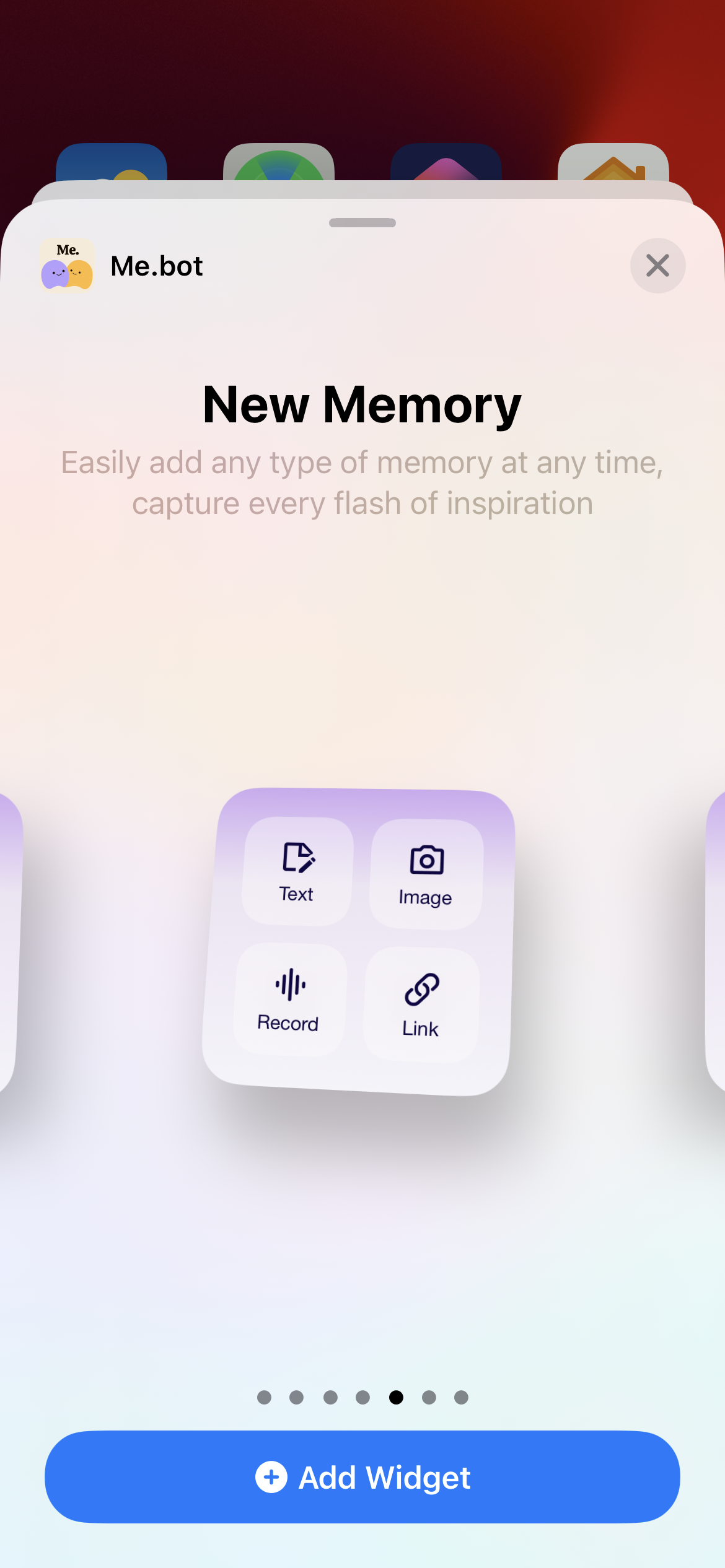
3. Search for Me.bot, select a widget and tap Add Widget.
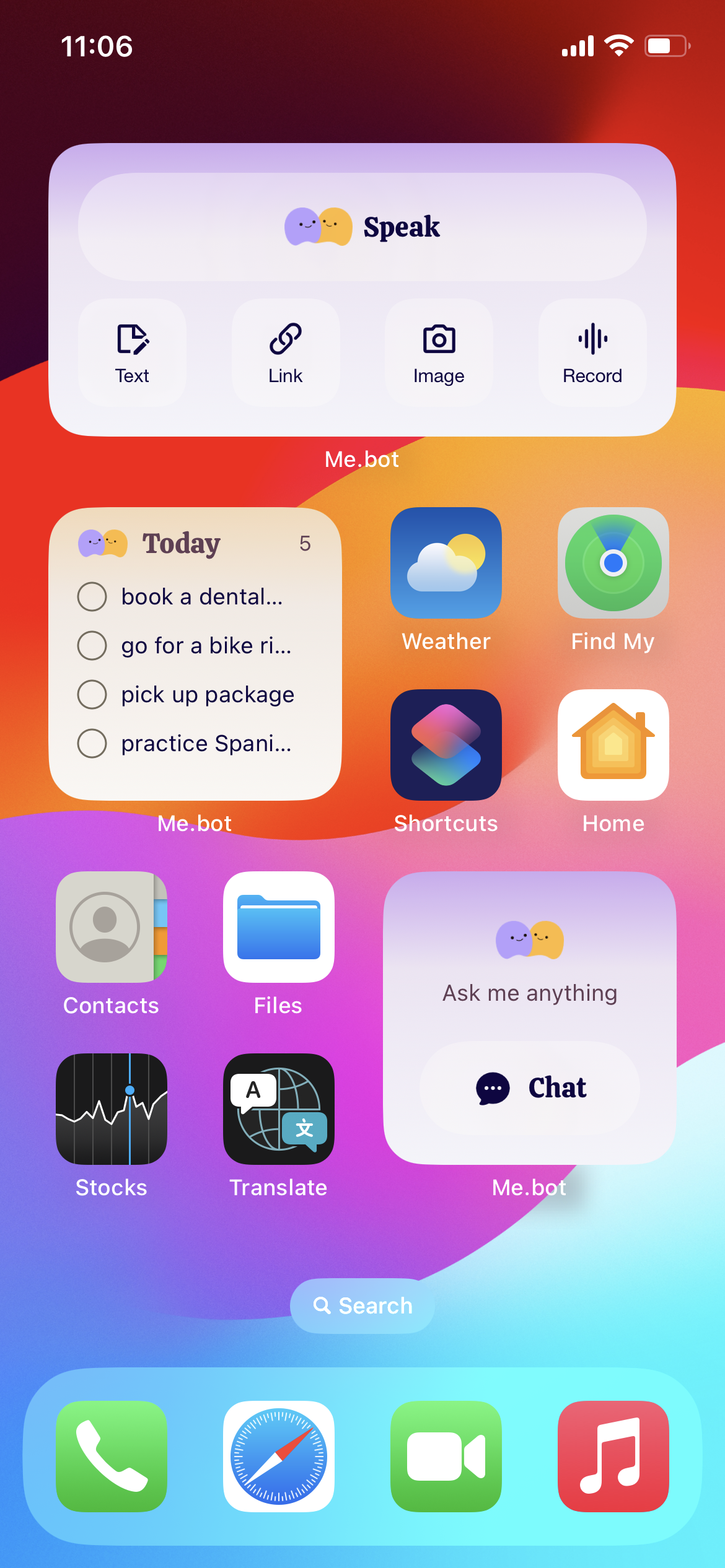
4. Long press the widget and drag it anywhere you like on the screen.
### Add widgets to your Today View
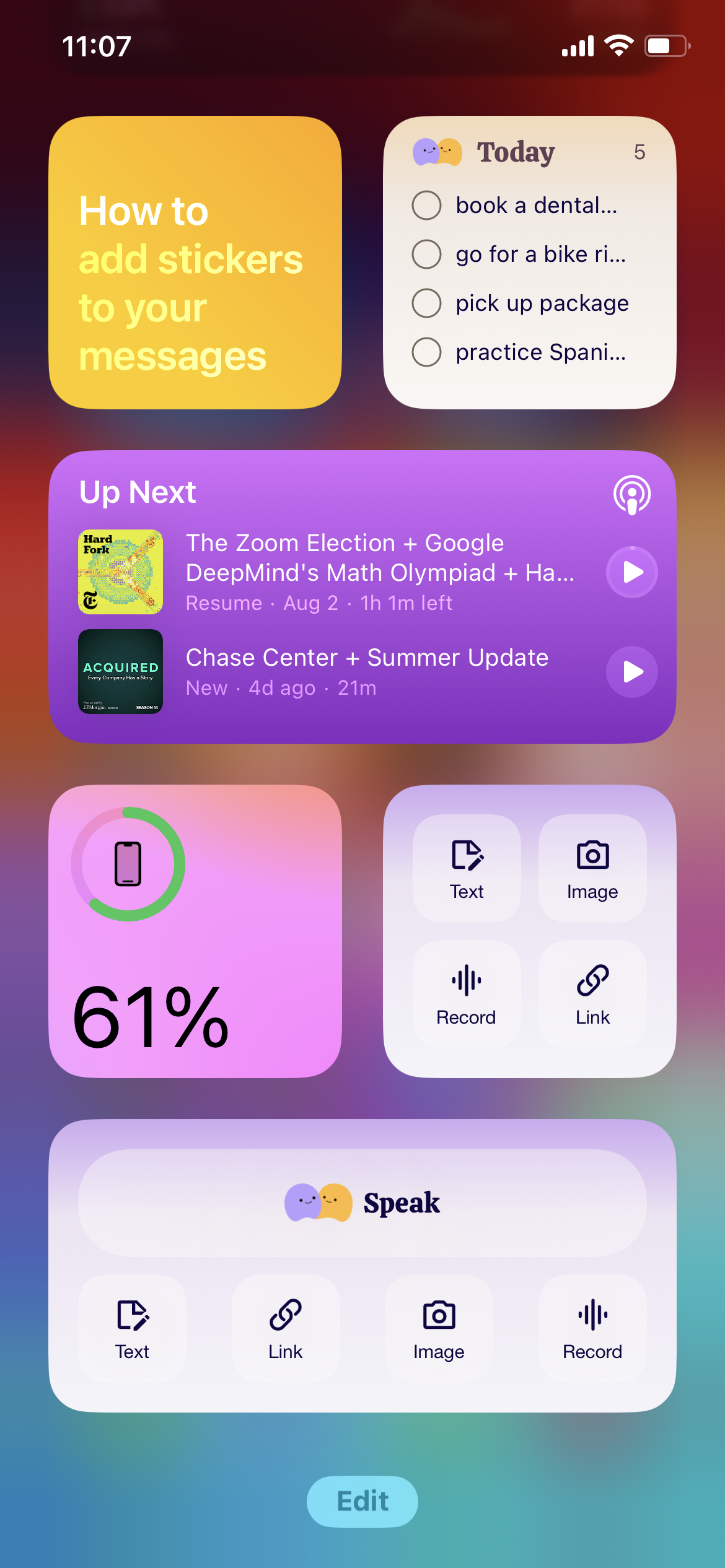
1. Swipe right from the Home Screen or Lock Screen to land in Today View.
2. Scroll down to the bottom and tap **Edit**.
3. Tap the **Add** button in the upper-left corner.
4. Search for Me.bot, select a widget and tap **Add Widget**.
### Create your widget stack
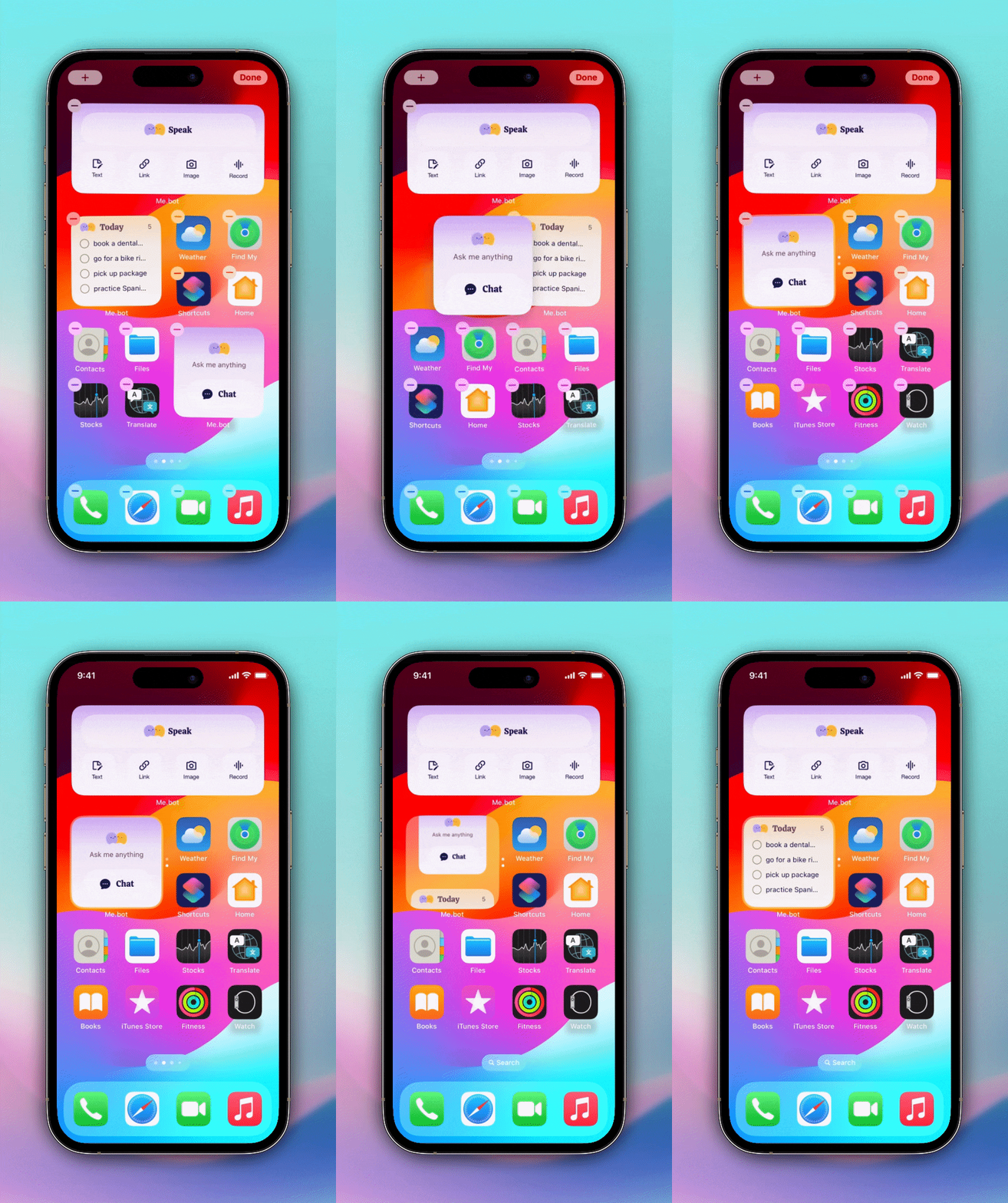
Drag a widget on top of another widget of the same size to create your widget stack. Swipe up and down to switch, which saves your screen space.
 button in the upper-left corner.